
To move a task to a different or new objective, first select the Task(s) you wish to move by checking the box next to each one.
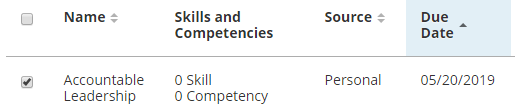
Now click on the 'Move to Objective' button:

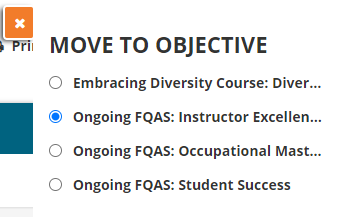
From here you can select a current objective from the list then click Save to move the task(s).
To view a step-by-step walkthrough of the above process, click the arrows to view the slides or
click 'See Live' to walk through the process directly in Cultivate U.